01 / MAKE A CARD
Links, words and contact details.
Create a website, text or business-card QR. Add just the details you want to share, then open the card to display its code.
 QuvoRetro
Available now · Android + Wear OS
Your business card, website or a few useful words. Turn them into QR cards that are ready to show on your phone—and close at hand on your paired watch.
One-time purchase. U.S. price; local prices may vary.
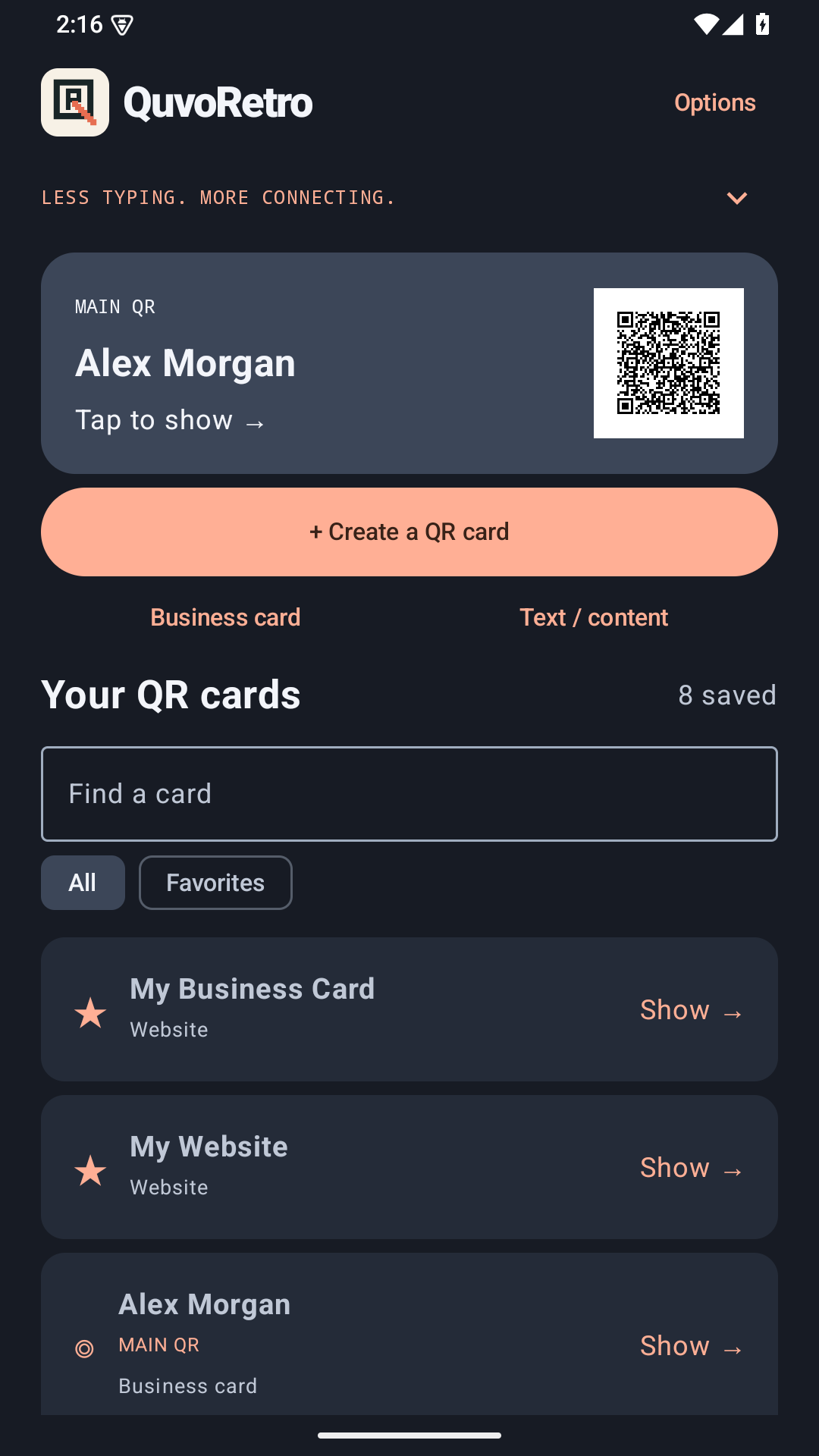
Create. Choose. Show.
Keep the details you share most together, then choose the right card for the moment.
01 / MAKE A CARD
Create a website, text or business-card QR. Add just the details you want to share, then open the card to display its code.
02 / CHOOSE YOUR MAIN QR
Your Main QR is ready on the app's home screen, your widget and your live wallpaper. Favorites are a separate collection, so your go-to card stays clear.
03 / KEEP IT ON YOUR WRIST
Send your Main QR and up to eight favorites to the companion app on a compatible paired Wear OS watch. Received cards remain available to display while disconnected.
A closer look
A home-screen widget. A QR wallpaper. Themes that feel like you. Tap any image for a full-size view.
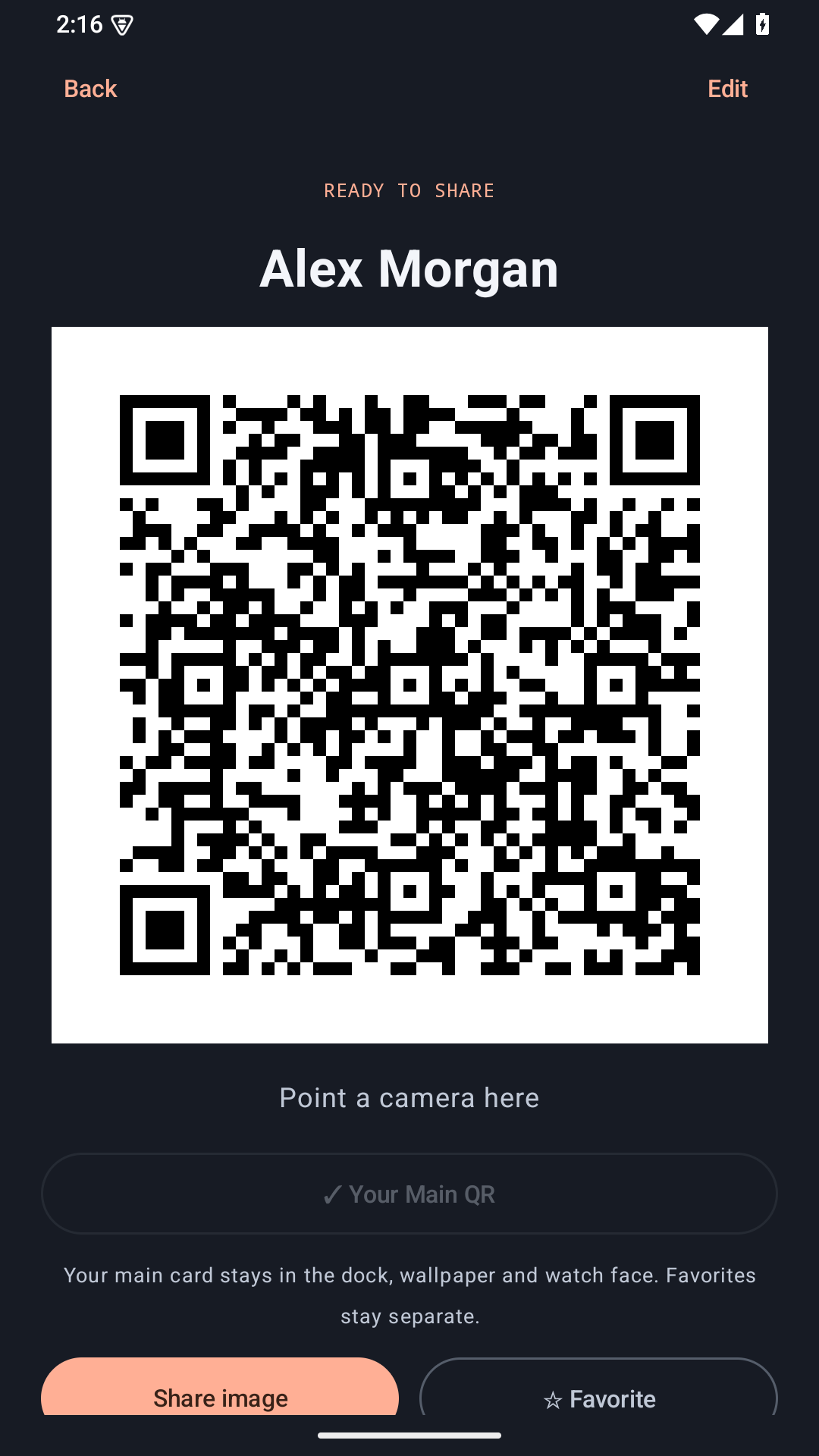
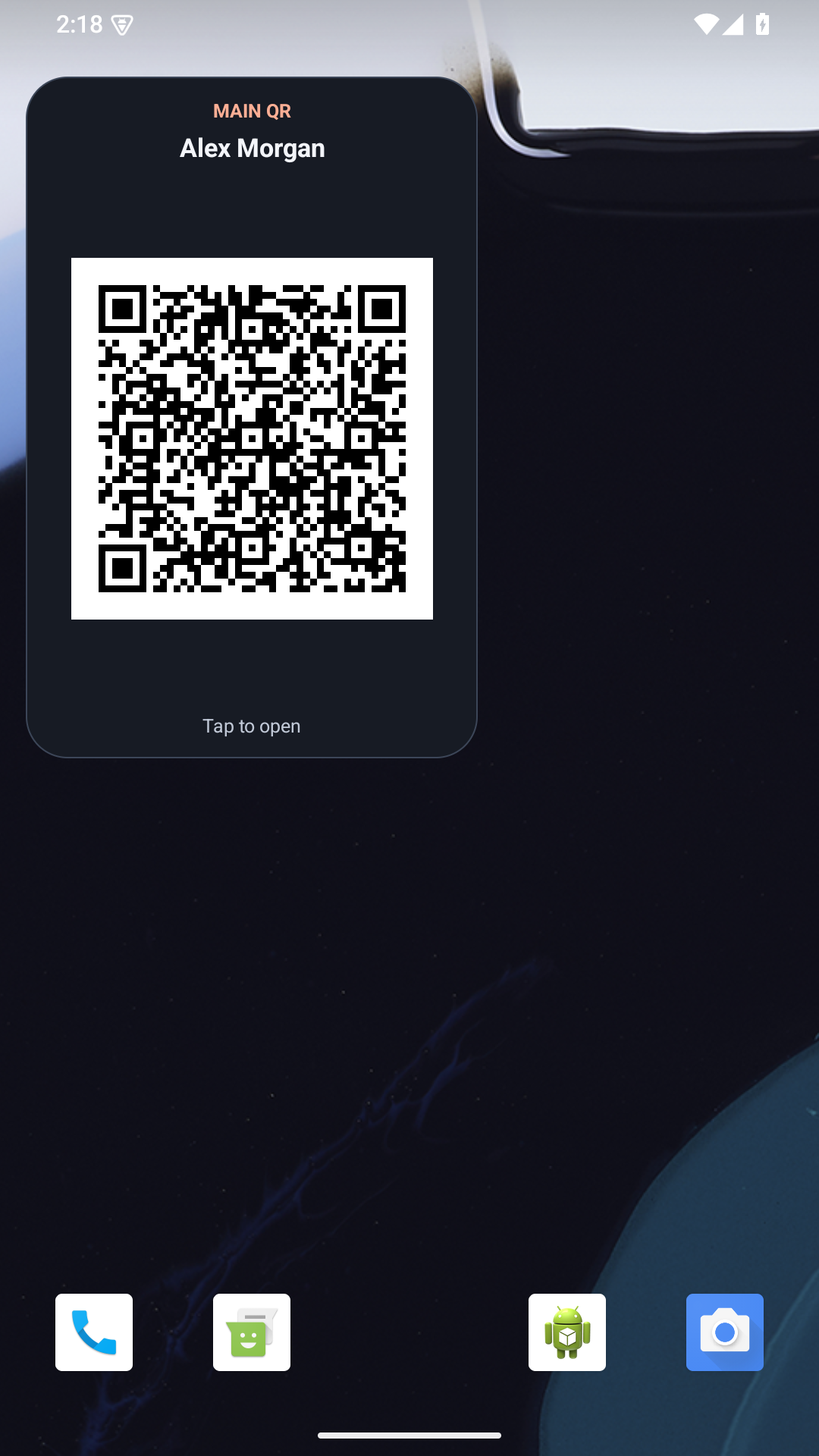
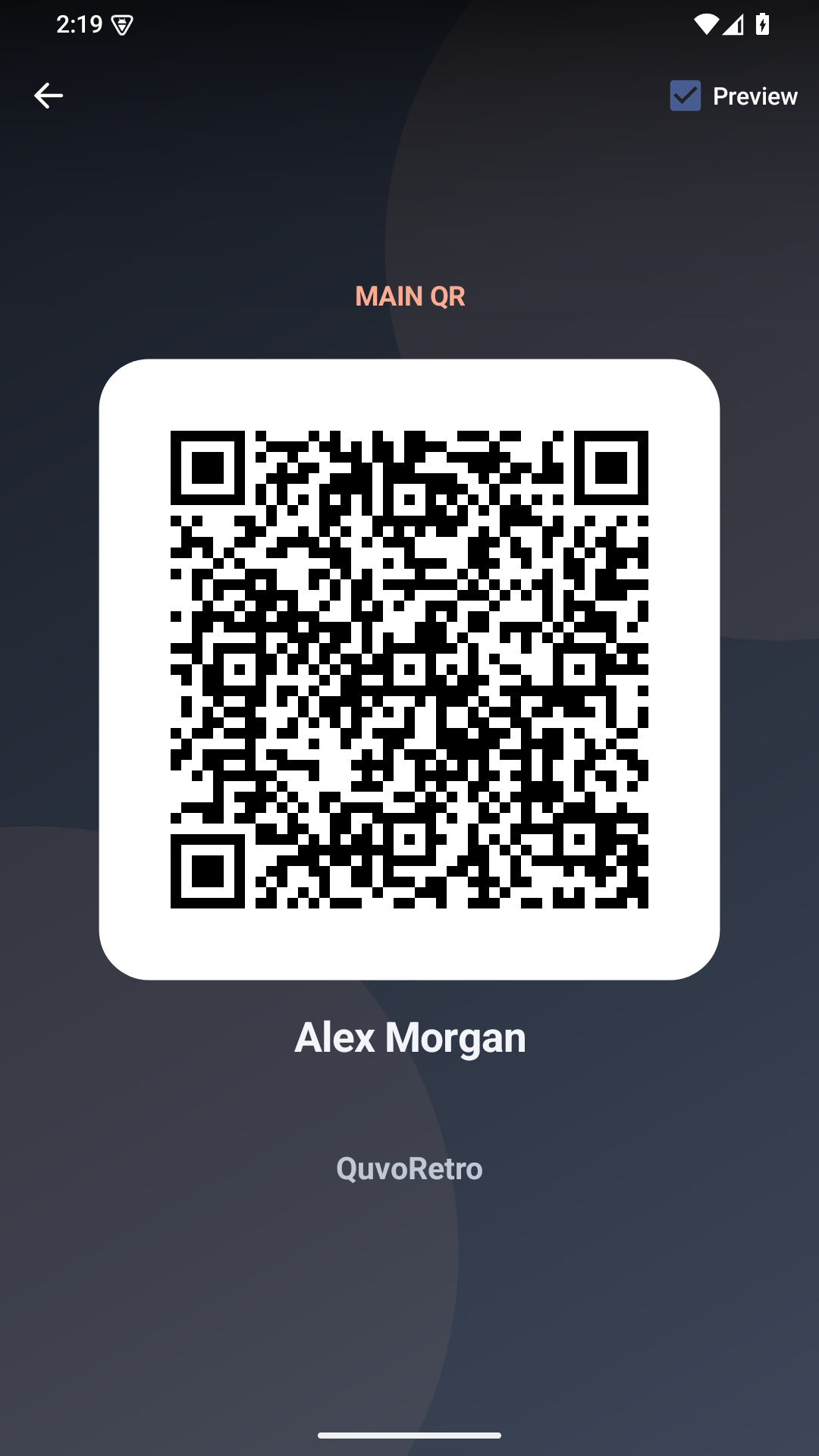
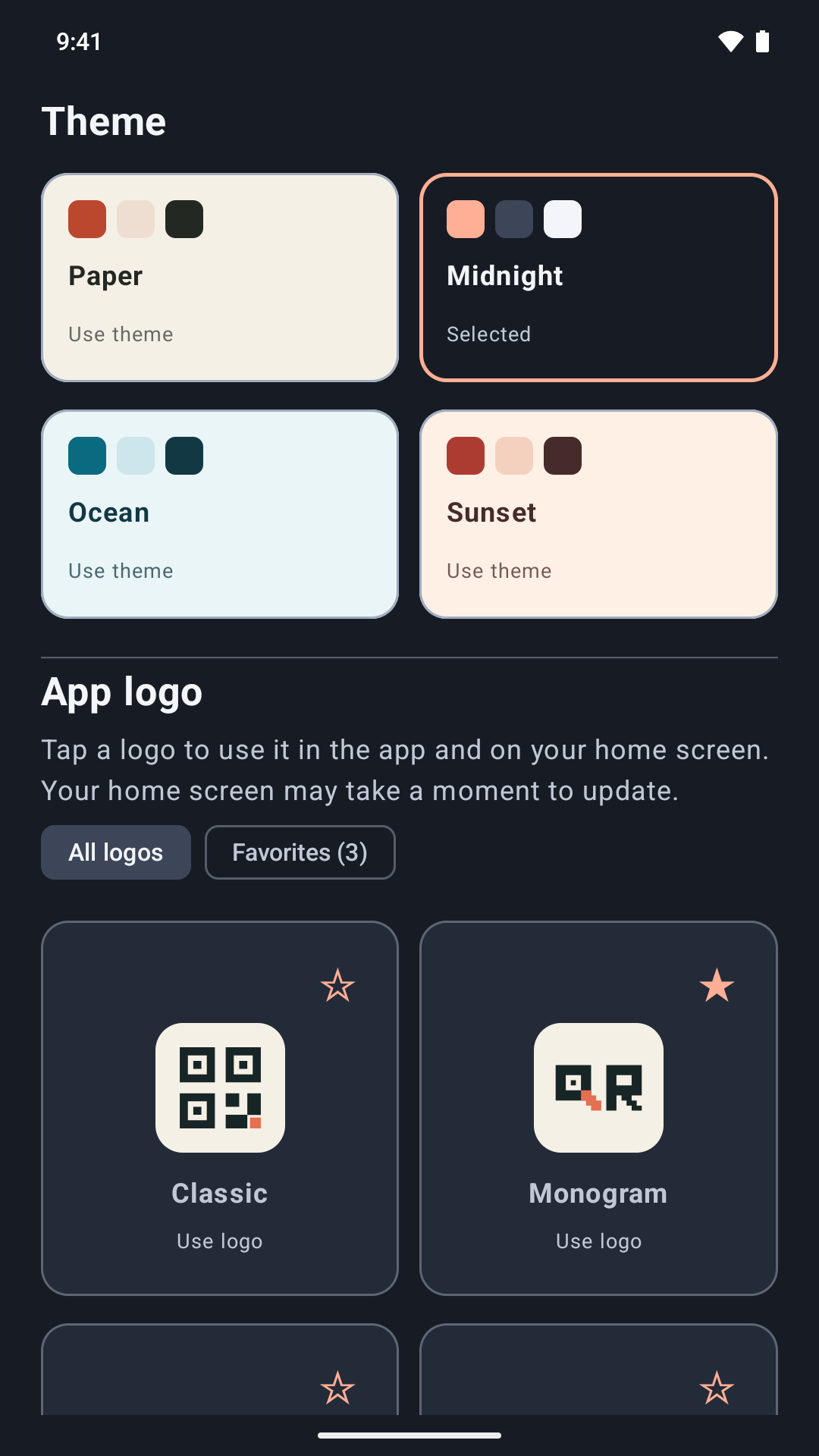
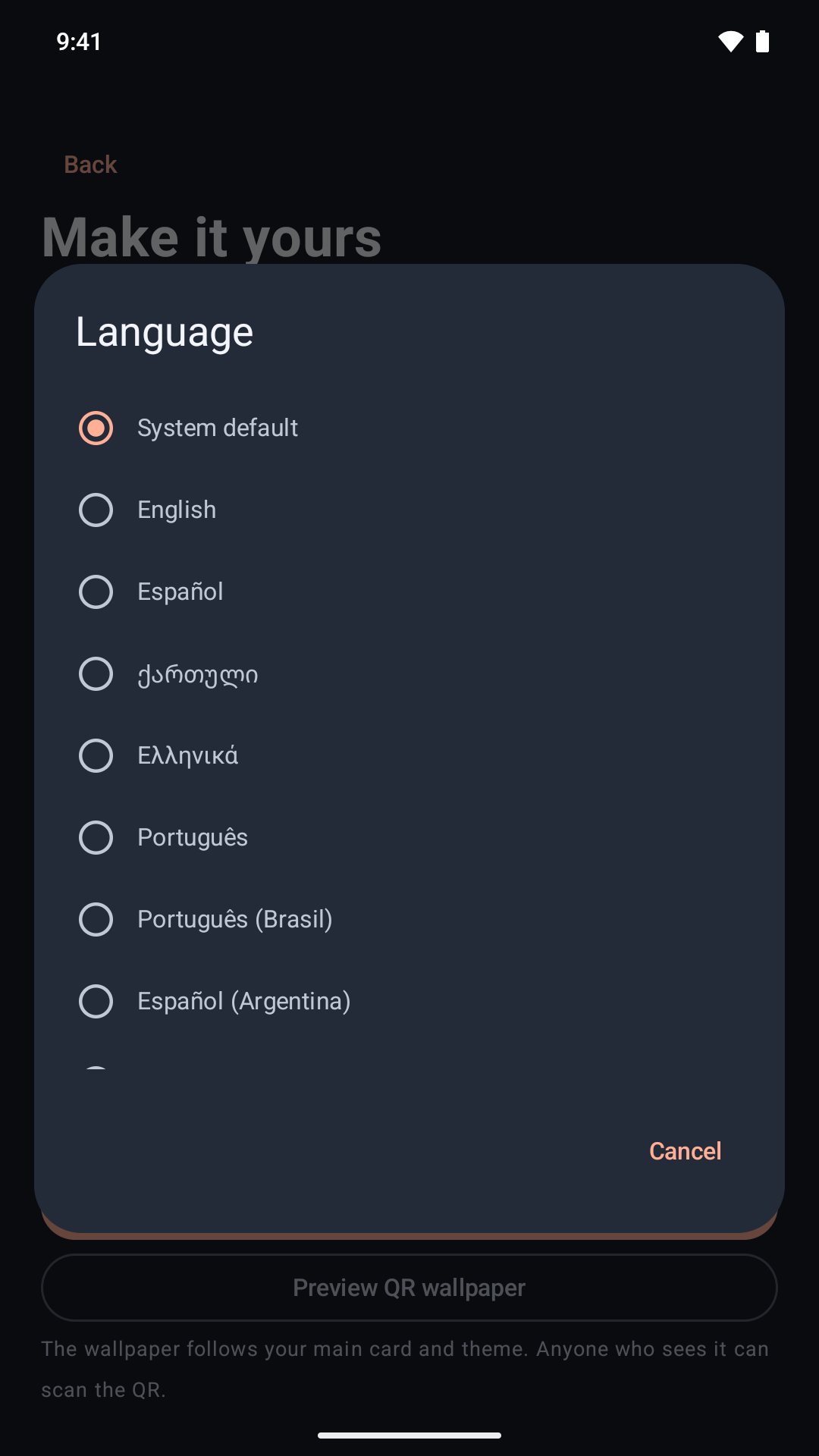
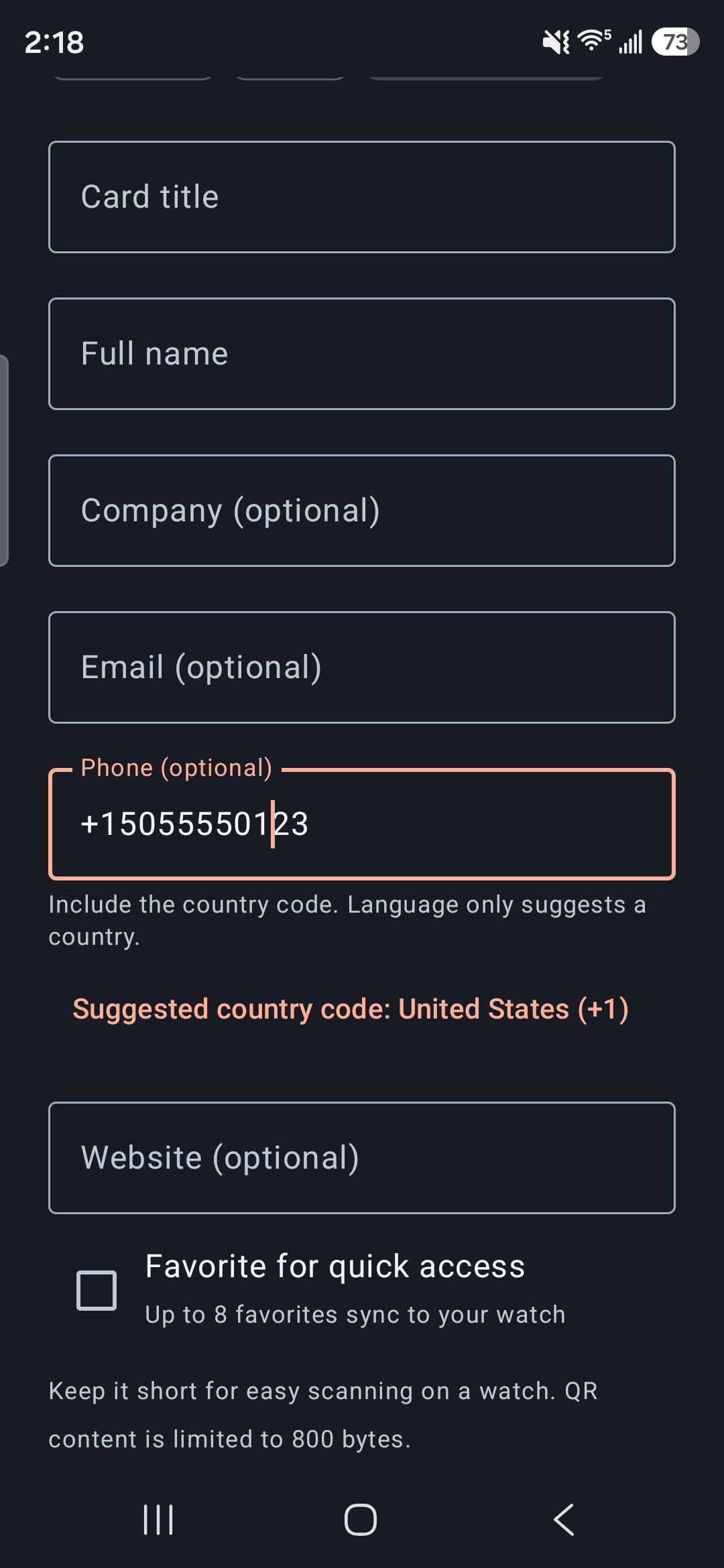
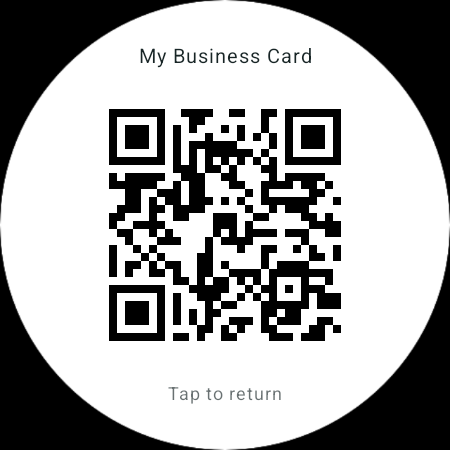
Actual app screens with demonstration content. A compatible paired Wear OS watch and companion-app setup are required for watch features.
A familiar interface
Choose an interface language or follow your device with System default. Your saved card content stays exactly as you entered it.
You choose what you share
No QuvoRetro account required. Your cards are created and stored on your device. Choose the details you want others to see when they scan.
Choose. Show. Connect.
One-time purchase. U.S. price; local prices may vary.